


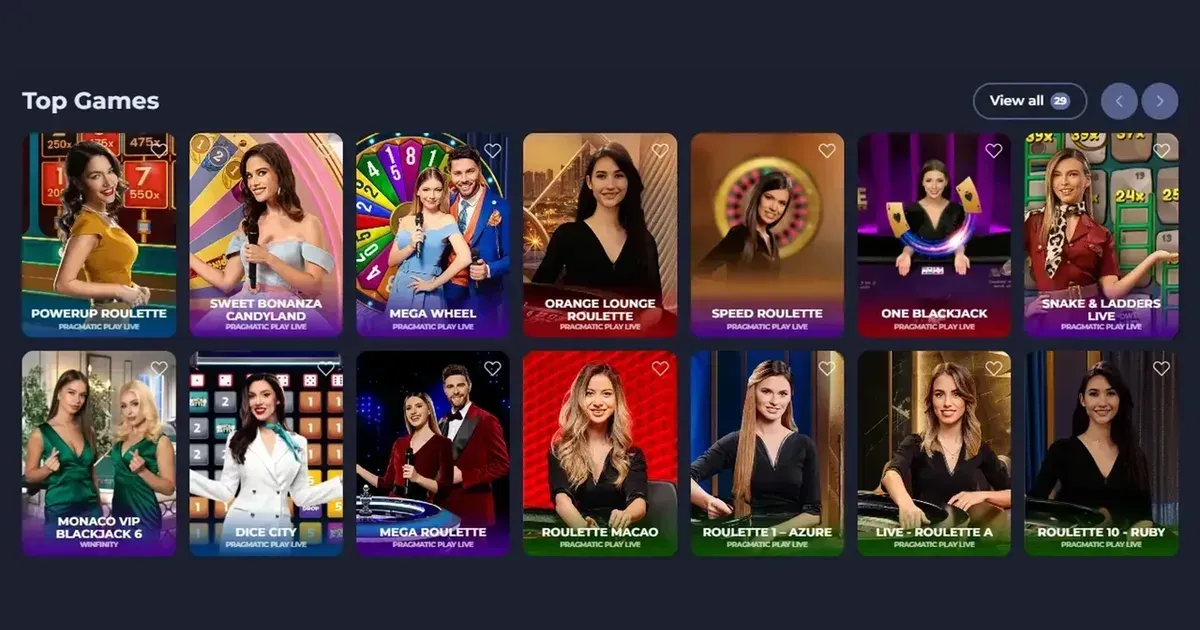
Fridayroll gives mobile players an installable progressive web app, plus a browser route for accessing slots, live games, tables, sports betting and account services. The PWA can be added from the operator's website on iOS or Android without using a third-party app store, while the browser route keeps the same account and core features close at hand.
Getting started with Fridayroll on a phone
There are two practical ways to open Fridayroll on a mobile device. You can use the website in your phone's browser, or install the available PWA from the operator's site for a more app-like experience.
- Open the operator's website in your mobile browser and sign in with your existing account details.
- Choose the option to add the site to your home screen if you want to use the installable PWA.
- Use the same Fridayroll account whether you start in the browser or through the installed PWA.
- Set your preferred account currency in your profile before playing. The platform allows this directly without additional verification.
Both routes lead to the same product area, so there is no need to maintain separate desktop and mobile balances. This also makes it straightforward to check a pending withdrawal or contact support from a phone.
What Fridayroll offers on a mobile screen
The mobile experience covers the main parts of the platform, from the game lobby to account administration. Fridayroll lists over 6,000 games, including slots, live games, tables and instant crash-style games, with studios such as Pragmatic Play, NetEnt and Betsoft Gaming represented in the library.
- Browse the game categories and open supported titles from the mobile lobby.
- Use the cashier to make deposits or start a withdrawal request.
- Move through registration details and identity checks when requested.
- Contact the operator through live chat, email or the chatbot.
- Place sportsbook bets and manage the sports welcome package or reload offers from the same account.
The cashier supports cards, bank transfer, several e-wallets and cryptocurrencies including BTC, ETH, DOGE and TRX. Mobile players can also change their account currency without a fresh identity check, which is convenient when opening an account on a new device.
Installed access and browser access at Fridayroll
Fridayroll's PWA is the notable mobile feature. It installs directly from the operator's website for both iOS and Android, giving you a dedicated icon without sending you to an external app store. Once installed, it opens in the familiar full-screen style associated with a native application.
For occasional use, the mobile browser is the quickest route and avoids creating a separate installation. You still have access to your balance, games, sportsbook, cashier and support services, and the session stays tied to your existing account.
In practice, the choice comes down to preference. Use the browser for a quick visit without altering your home screen, or install the PWA if you expect to return to Fridayroll regularly and prefer having a direct shortcut.
Points to consider before playing on a phone
A mobile session deserves the same attention as a desktop one, with a few practical additions. Fridayroll provides deposit, session, wagering and loss limits, as well as self-exclusion, so you can set boundaries before you start rather than after a losing run.
- Use a stable internet connection, particularly during deposits, withdrawals and live games.
- Open the operator's own address directly and check the address bar before signing in.
- Sign out after using a shared or family device, and do not allow the browser to retain account access.
- Set deposit and session limits in your account before beginning a betting session.
- Keep the welcome offer in perspective: Fridayroll's standard welcome package is subject to wagering and time conditions, so check the current terms before depositing.
Support and security while using Fridayroll
Fridayroll's support service is available through live chat, email and a chatbot around the clock. The chatbot answers common questions first and can pass a more involved matter to a live specialist, which saves time when you need information about an account or a transaction.
Identity checks may be requested when depositing, before a first withdrawal or during account closure. Supporting documents can include passport or identity-card copies, proof of address, copies of payment cards, statements showing the source of funds and a selfie with identification. Requested material is needed within 15 days, so keep the relevant documents ready before beginning a withdrawal.
Keeping mobile play under control
Playing on a device you carry all day makes it easy to lose track of time, so use session reminders and your chosen loss limit as firm boundaries. Gambling should remain entertainment rather than a task to complete. If a shared device may be accessible to someone under 18, protect it with parental-control software such as Net Nanny or Qustodio.
For free, confidential help, contact BeGambleAware or call the National Gambling Helpline on 0808 8020 133. Fridayroll also provides self-exclusion periods from three months to five years, or indefinitely.
This page is for information and marketing purposes only. We are not a casino operator, bookmaker or organiser of gambling. Access is restricted to people aged 18 and over (18+). Free, confidential support is available at BeGambleAware.org.