


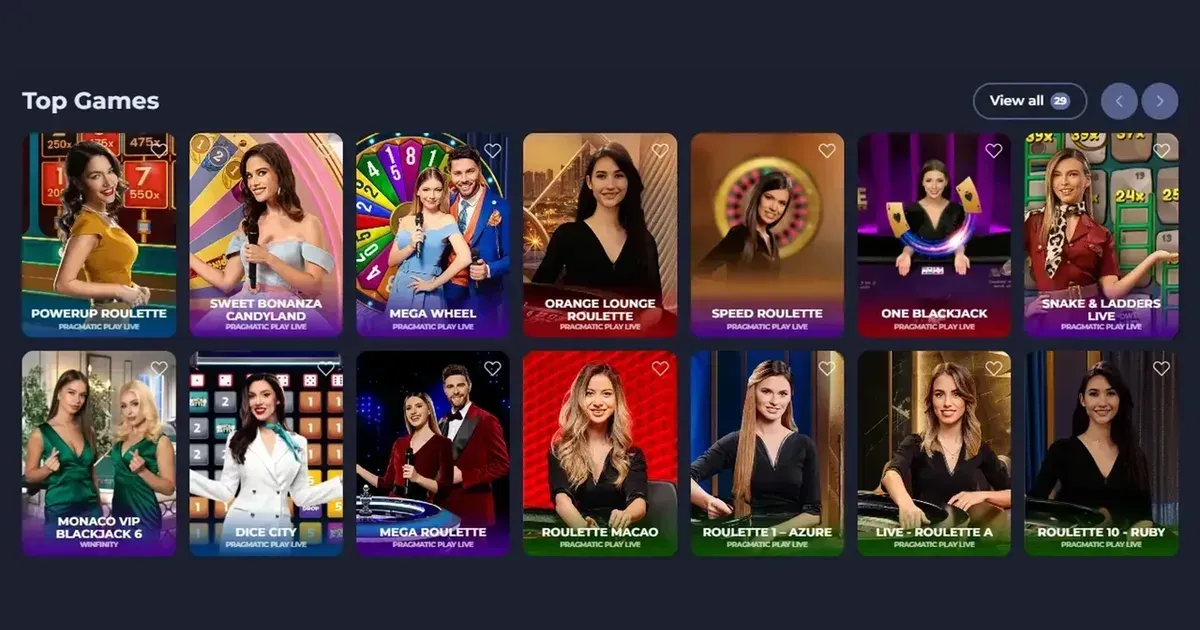
Fridayroll accounts are operated by Eventa Digital Limitada, and account access remains entirely within the operator’s own platform. This independent information portal cannot view, restore or unblock an account; only the operator can handle those tasks. If you are looking for the account route, start with Fridayroll and continue through the operator’s own sign-in process.
Reach your account in three steps
- Open the operator’s own website and use its sign-in button.
- Enter the email address and password you chose when registering.
- If the credentials are accepted, you should reach the account area. If they are not, follow the operator’s recovery or support route rather than entering your details anywhere else.
You need an account before you can sign in. Registration also happens at the operator, where the sign-up process asks for details such as your name and date of birth before you confirm the information.
Signing in on a phone
Fridayroll can be used through a mobile browser, so you can use the same account details on a phone as on a desktop. The operator also offers a PWA mobile application that can be installed directly from its website on iOS and Android devices. It is a browser-based app rather than a separate download from a third-party app store.
For a smoother return visit, use the operator’s own address rather than searching for a login link in an email or message. A bookmark can help you reach the correct destination, but you should always check the address before entering an account password.
What can stop a sign-in
Several ordinary account checks can interrupt access. Work through the likely cause before trying repeatedly:
- Wrong email address or password: check the spelling and use the operator’s password-reset route if you are unsure.
- Verification still required: upload the requested identity documents through the operator’s account process and wait for the review to be completed.
- A self-exclusion is active: this is a deliberate restriction, not a technical fault. The operator’s support team can explain the position.
- Account inactivity: accounts inactive for 12 consecutive months may attract a monthly administrative fee of €10 or its equivalent, so it is sensible to keep an eye on long-dormant accounts.
- Regional restrictions: access can depend on the player’s location. The operator lists the United Kingdom among its restricted countries, alongside a number of other jurisdictions.
Getting back in after a forgotten password
The password reset belongs to the operator. Use its sign-in route and request a reset message for the email address associated with your registration. Follow the link or instructions supplied by the operator and set a new password that you do not use anywhere else.
If you no longer have access to the registration email, contact the operator directly. You may be asked for identity documents, a selfie with your identification, proof of source of funds, or financial transaction history. The operator may also request a phone call or a Skype or Zoom interview as part of its checks.
When requesting help, use the live chat, email or chatbot listed on the operator’s platform. Fridayroll states that support is available 24/7, so you can raise an access issue whenever you are ready.
Why an account may be held
| Cause | What it can mean |
|---|---|
| First withdrawal or deposit check | The operator can request verification while handling a deposit or before a withdrawal. |
| Document review | Passport, national identity card, utility bills and debit or credit card copies may be requested. A selfie with an ID document may also be required. |
| 15-day document deadline | Requested documents should be provided within 15 days. |
| Video verification | A video check may be requested when documents are in Latin or Cyrillic characters. |
| Self-exclusion | An exclusion from 3 months to 5 years, or an indefinite period, is a restriction that should be respected. |
Verification can also arise when an account is closed. Keep copies of the messages and documents you submit, and contact the operator if it requests more information than you can provide.
Keep your access secure
- Type or bookmark the operator’s address yourself rather than following a sign-in link sent in an email or message.
- Use a password that is unique to this account and keep it out of messages and shared documents.
- Sign out after using the account on a shared device, especially if another person may have access to that browser.
- Never send your password to this portal, the operator’s support team or anyone claiming to restore your account.
Responsible gambling while you are signed in
Gambling should remain entertainment rather than a task to complete or a way to solve money worries. Fridayroll provides deposit limits for daily, weekly and monthly periods, session limits, wagering limits, a loss limit and self-exclusion. Set controls before you begin and take a break whenever the activity stops feeling enjoyable. 18+ applies, and a device shared with a minor should use parental controls such as Net Nanny or Qustodio.
For free, confidential support in the UK, visit BeGambleAware.org or call the National Gambling Helpline on 0808 8020 133. The service is available 24/7.
This page provides information and marketing purposes only. We are not a gambling operator, bookmaker or organiser of gambling activity. Access is restricted to people aged 18 and over (18+). Free, confidential help is available through BeGambleAware.org.